Rough notes in. Professional findings out.
SpecMind was designed around AI from day one. Type a rough field note and the model turns it into professional, standards-aware inspection language — your observation, written the way a report should read, without you typing the formal sentence.
Describe what you see. It writes the finding.
Open any item, pick the comment category you're writing — informational, limitation, or deficiency — tap the sparkle, and type what's in front of you. The AI uses the item's context (section, item name, and the category you chose) to turn your note into professional inspection language that reads at the right severity.
- Context-aware. The model reads the section and item it's writing for, so a roof note reads like a roof finding — not generic filler.
- Severity-matched. You choose the category — informational, limitation, or deficiency — and the AI writes to it, in the plain-English language buyers and agents expect.
- Standards-aware. Deficiency comments draw on SpecMind's standards-of-practice reference, so the wording holds up without you citing the SoP by hand.
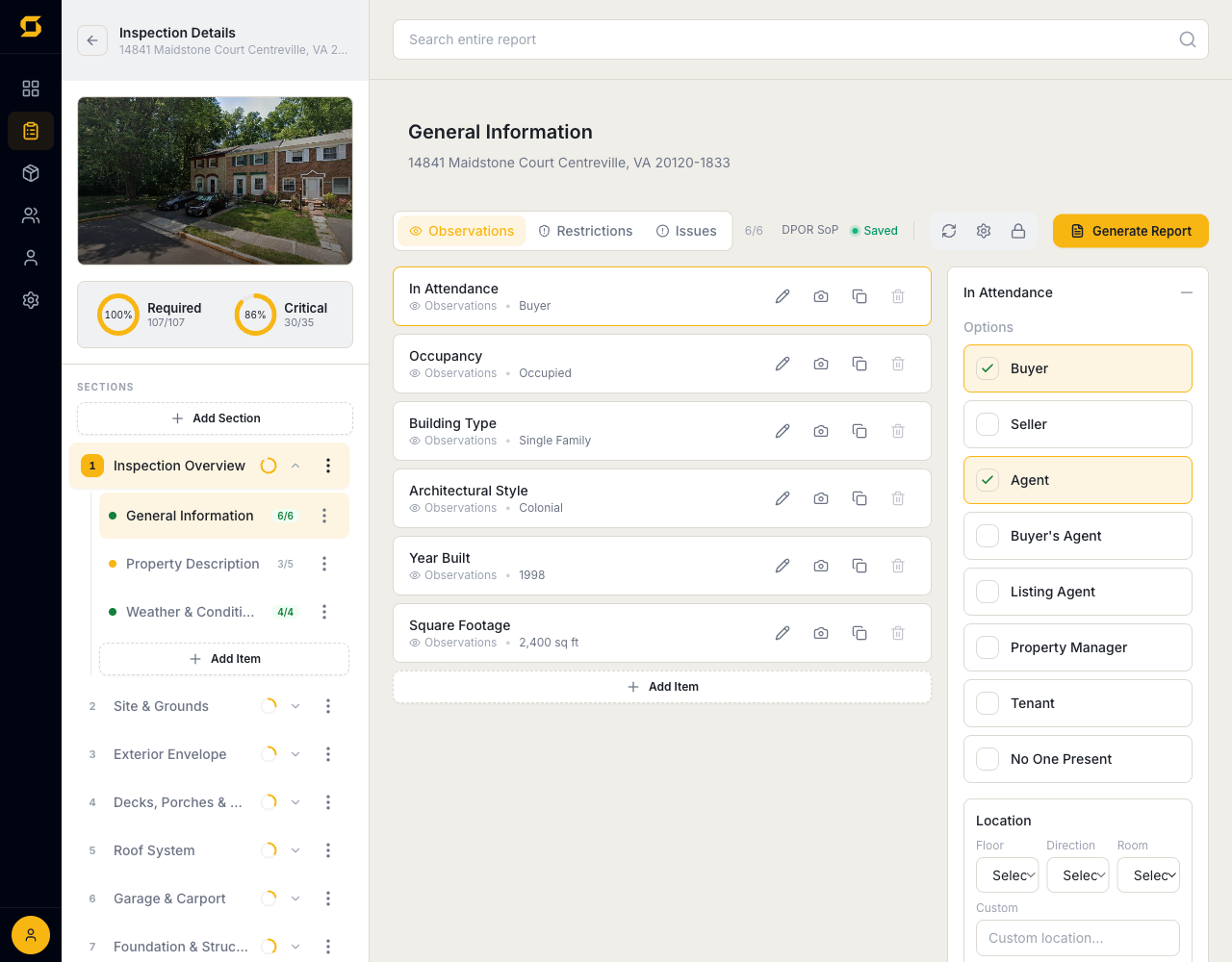
Dictate a walkthrough. AI files every note.
Quick-Log lets you capture an observation without navigating to its section and item first. Type or dictate a finding in plain language — "water heater is a 2008 model, no service tags" — and the AI figures out which section and item it belongs to, then drops a drafted comment there for you.
- Speak or type. Plain-language input, no forms — log the finding in the words you'd use out loud and keep moving.
- Automatic routing. Each note lands in the correct section and item — no scrolling through the template mid-inspection.
Every deficiency, one focused list.
As you work, the Watch List automatically collects every item with a flagged deficiency into a single prioritized view. Before you finalize, review all problem areas in one place and jump straight to any of them in the editor — nothing slips through the cracks.
Never drive back for a missed photo.
One tap before you leave the property runs an AI completeness scan: unanswered items, sections with no comments, deficiencies missing photos, and the other oversights that usually surface at 9pm. Each flag is a link — tap it, fix it, leave once.
Questions, answered.
Does the AI replace my judgment?+
No. You decide what to log and which category it is; the AI just turns your note into the formal sentence. It writes standards-aware inspection language from what you typed and the item you're on — a speed multiplier for the writing, not a substitute for the inspection.
Can I edit what the AI writes?+
Always. AI output lands as an editable draft in the comment field, exactly as if you'd typed it. Change a word or rewrite the whole thing — you approve every sentence that ships in a report.
Does AI writing work offline in the field?+
AI generation needs a connection, but capture never does. Work offline all day — photos, notes, sections — and enhance comments when you're back in signal. Everything else about the inspection works with zero bars.
Is AI included in the free tier?+
Yes. All five free published reports come with full access to AI comment writing, Quick-Log, the Watch List, and the pre-departure check — judge the AI on your own inspections, not a demo video.
Every feature. One plan.
No add-ons, no enterprise tier. Start with 5 free published reports — no credit card — and keep everything when you upgrade.