Every inspector. One system.
Four roles that match how inspection companies actually divide work — Owner, Admin, Inspector, Office Staff. Invite an inspector by email, hand them their sections, and let the payroll dashboard do the math before payday.
Four roles. Zero ambiguity.
Role-based access control built around a real inspection company. The Owner holds billing and everything else. Admins manage the team, settings, and templates without touching the subscription. Inspectors create and run their own inspections. Office Staff get read-only access to every inspection and contact — enough to answer the phone, not enough to edit a report.
- Enforced at the API. Permissions are checked in the interface and again on the backend, so there's no way around them by poking at the UI.
- Inspectors stay in their lane. An inspector sees their own inspections and reports — not the rest of the company's pipeline, and not your settings.
- Billing stays with the Owner. Admins can do almost everything, but subscription and payment settings belong to one person.
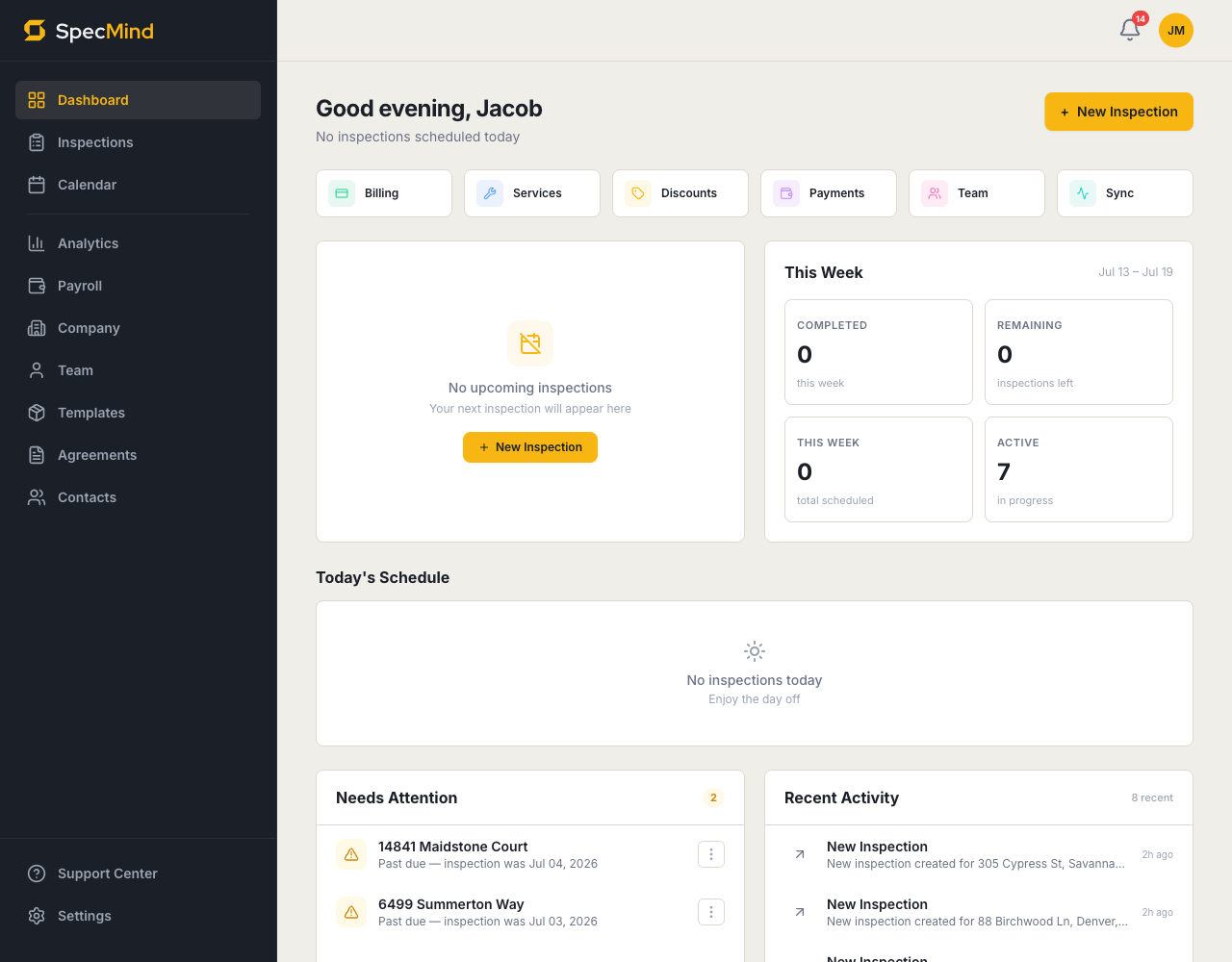
From invite email to first inspection in minutes.
Adding an inspector is an email address and a role. Send the invite from the Team page; they get a link, create an account — or accept with the one they already have — and land inside your company with the right permissions applied. Change your mind before they accept, and you can revoke the pending invite with one click.
Split the property. Merge the report.
Put two inspectors on one large or complex job. Inspector Lanes gives each team member a lane — drag sections from the unassigned pool into whoever's covering them. Each inspector sees only their assigned sections in the web editor and the iOS app, and everything merges into a single report.
- Per-inspector progress. The inspection detail page shows who's assigned to each section and how far along they are — who's done, who needs more time.
- Shared templates. Owners and Admins maintain the company's templates, so every inspector reports from the same library and every report reads like it came from one company.
Payday math, already done.
Set a split per inspector — a percentage, a flat fee per inspection, or both — and SpecMind calculates earnings automatically from completed, paid inspections. The payroll dashboard breaks down each inspector's jobs, total revenue, company share, and take-home for This Week, This Pay Period, or This Month. Filter by date range, export the data, cut the checks.
Questions, answered.
What do Office Staff and Admin accounts cost?+
Nothing. Office staff and admin accounts don't count against seats — you pay per inspector, at $79/month or $799/year each. Give your front office full visibility into inspections and contacts without buying a seat.
Can inspectors see each other's inspections?+
No. Inspectors see and manage their own work only. Owners, Admins, and Office Staff can view every inspection in the company — that's the difference between running the business and running a job.
How do pay splits handle a two-inspector job?+
Earnings on a multi-inspector inspection are calculated from the primary inspector's split, and you can reassign who's primary on the inspection detail page. Percentage splits, flat fees per inspection, or a combination all work.
Do team features cost extra?+
No. Every Pro plan includes every feature — roles and permissions, multi-inspector assignments, shared templates, pay splits, and the payroll dashboard. There's no separate team tier and no add-ons.
Every feature. One plan.
No add-ons, no enterprise tier. Start with 5 free published reports — no credit card — and keep everything when you upgrade.